


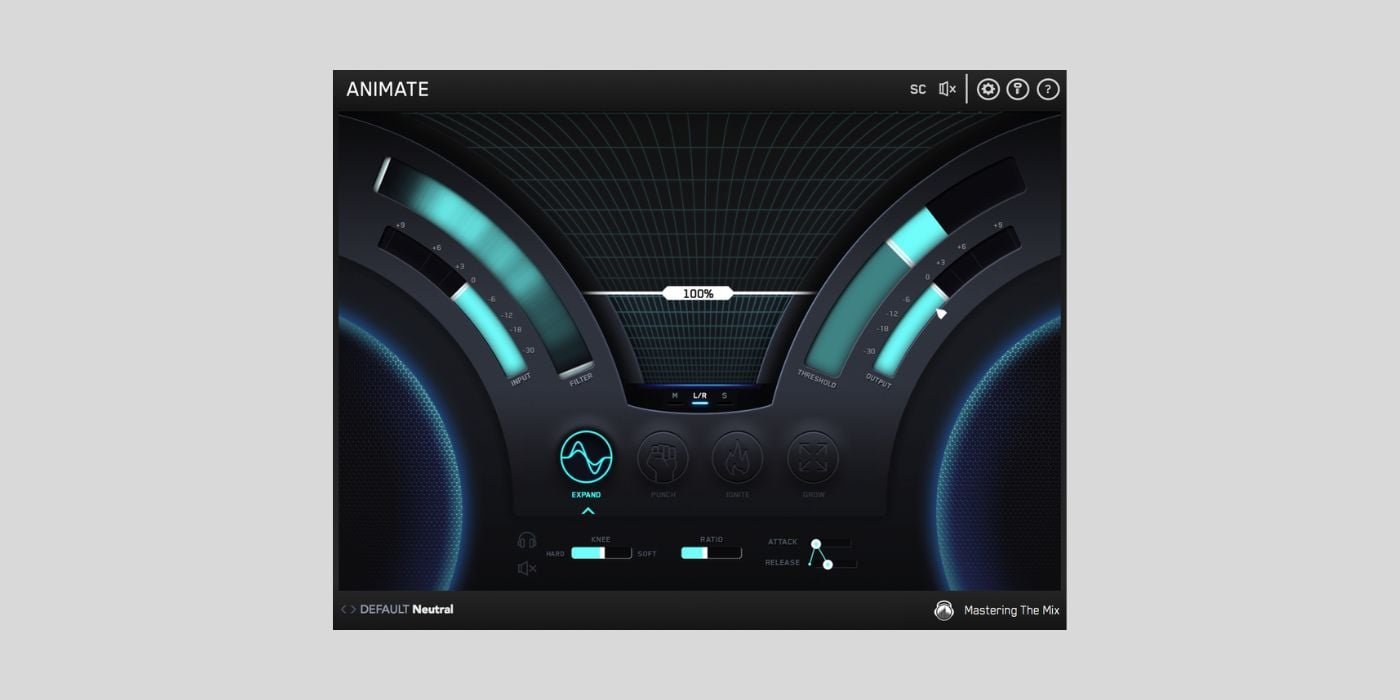
Plugin Alliance currently offers Animate by Mastering The Mix for free (regularly $66). The offer lasts until March 24th and is limited to one license per user.
If you missed our own Animate freebie offer a couple of years ago, here’s another chance to get it for free.
Animate works on Windows and macOS in AU, AAX, and VST3 formats.
So what does it do?
Animate is a mixing tool that can be used on individual tracks, groups, or on the master chain itself. The plugin can do frequency-specific expansion, saturation, transient shaping, and widening in either mid/side or L/R mode.

Inject tracks with more energy, use the frequency-specific action in combination with the threshold to do surgical fixes on full mixes. Alternatively, use it as a finalizer to add more punch and movement to mixes that sound dull.
Animate has four modes that can be used separately or processed in series.
Expand
Expand is an upwards expander controllable with attack, release, ratio, and amount, with optional frequency-targeting. The concept of expansion can be confusing to some, as it is easily conflated with upwards compression, but this is not the same.
An upward expander increases the dynamic range of the material.
Everything above the threshold is boosted further. If you want more punch out of a kick or more tick from a high-hat, or perhaps even to lift a certain frequency region of your track under intense moments in the mix, an expander might be a good choice.
Sometimes a transient shaper does the job even better, which leads us to…
Punch
A transient shaper that can be configured to react to most of the transient material of your mix or just the most prominent elements. These can then be dialed in with frequency-specific targeting in m/s mode for even more control when used on a full track.
Maybe you want transient action in the side channel for more width or wide-band transient action targeting the kick and snare in the mid channel for a more grounded and punchy mix.
Ignite
Bring out clarity and body with musically relevant harmonics that dynamically react to your signal, with the aforementioned possibility of limiting the processing both frequency-wise and stereo-wise for detailed control.
A nice module for blowing up some boring pads or brightening a dull mix.
Grow
Add dynamic and frequency-dependent stereo-widening to make static tracks more interesting or to a full mix for subtle widening on snare hits, for instance.
Just beware not going overboard when using Grow on full mixes to ensure that there’s still mono compatibility.

The modules have side-chain inputs as well, which makes them even more flexible.
The focus on dynamic and frequency-dependent processing in combination with an intuitive UI ensures an effective workflow where you can solve problems or polish things quickly.
Just a heads-up, you’ll need an account with Plugin Alliance to download the plugin.
Download: Animate (FREE until March 24th – Plugin Alliance account required)
Deal of the day 🔥: Get BABY Audio Parallel Aggressor for only $5! (92% OFF)
More:
Last Updated on March 19, 2026 by Tomislav Zlatic.