

If you’re like most producers and engineers, you’ve accumulated a lot of plugins over the years. That probably numbers in the dozens, maybe hundreds, from all different manufacturers, each with their own installers, license managers, and update systems. Keeping track of what’s installed, what’s up to date, and what’s compatible with your current OS can feel like a part-time job. That’s exactly the problem that Plugin Station was designed to solve.
One Place For Everything
Plugin Station is a Mac-based plugin manager that gives you a single, unified view of every audio plugin installed on your system. Instead of bouncing between the iLok License Manager, Native Access, Waves Central, and a dozen other proprietary tools, you get one clean interface that shows you everything at once.
The app was built by Julian Worden, who spent nearly five years doing technical support at a plugin company. That background shows in how thorough and well-thought-out this app is.
Plugin Station is not just a list of what’s installed, it actively monitors your system and alerts you when plugins are out of date, when your iLok License Manager needs an update, and when a new macOS version might cause problems with your current setup. That last one is huge, because we have all learned the hard way about what can happen if you upgrade too quickly.
macOS Compatibility Is A Big Deal
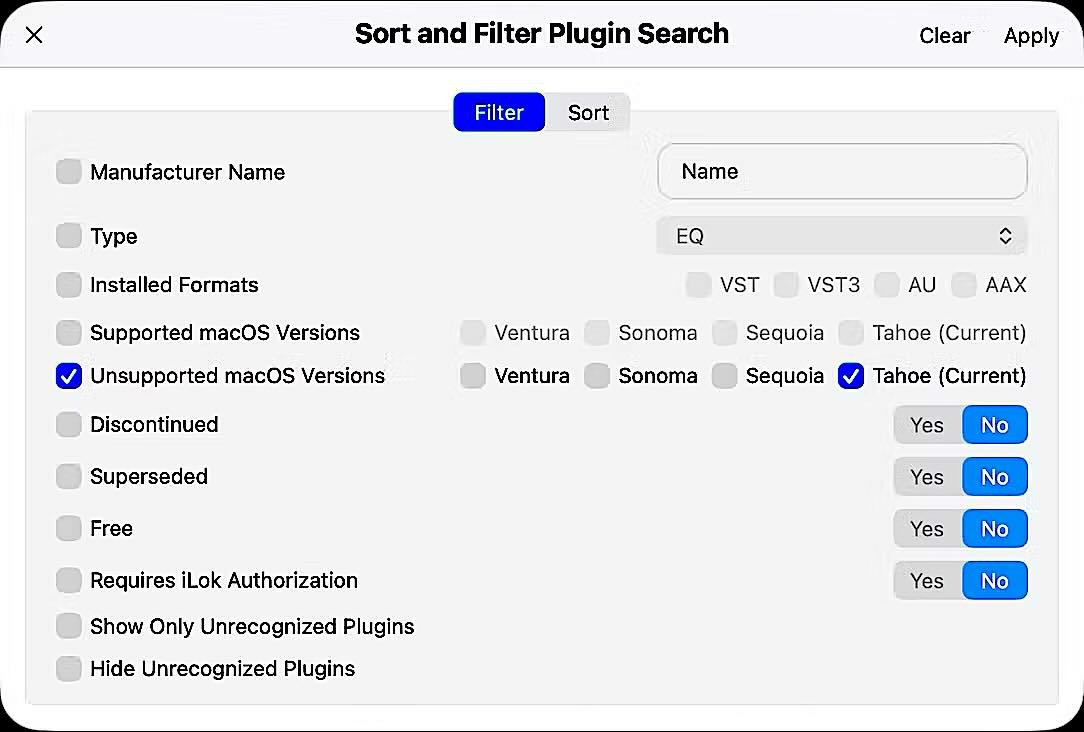
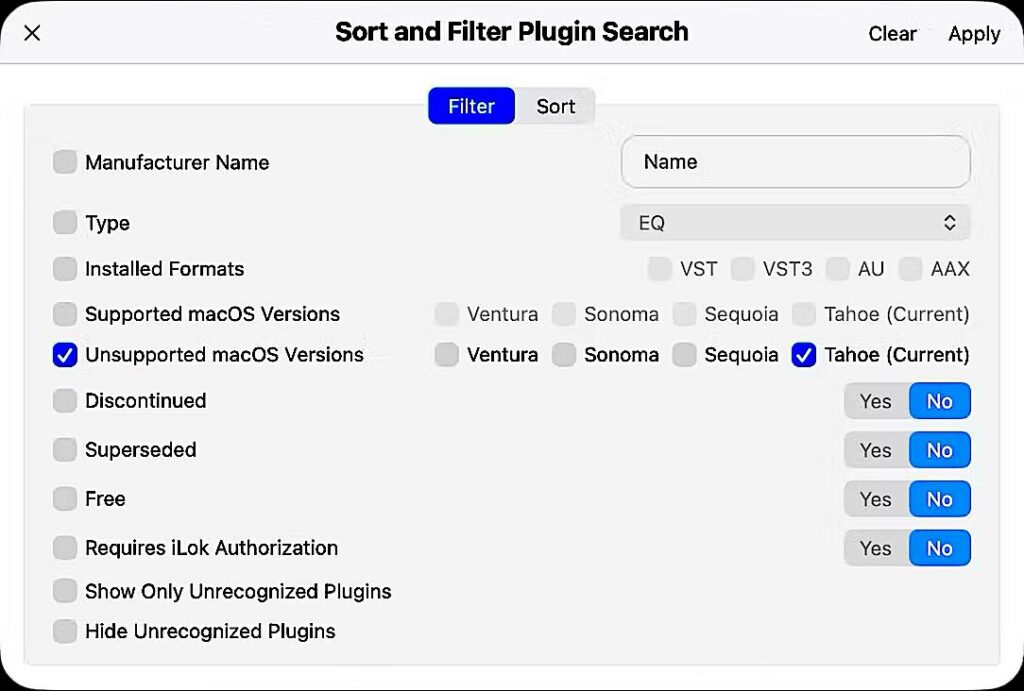
Right now, one of the most useful features in Plugin Station is its macOS Tahoe compatibility database.
Rather than spending hours hunting through each manufacturer’s support pages to find out if your plugins are safe to update, Plugin Station does that research for you.
All compatibility data is confirmed directly through manufacturer websites or their support teams before it goes in the database, so it’s not guesswork.
But There’s Much More
The Storage Manager feature gives you a visual breakdown of how much disk space your plugins are consuming, all organized by format, manufacturer, or processing type. For instance, if you have AAX plugins sitting on a machine that doesn’t run Pro Tools, it will flag those so you can delete them and reclaim the space.
The System Profile States feature is a lifesaver when you get a new computer. It keeps a snapshot of every plugin you had installed, and with one click, takes you directly to the official installer for each one. Anyone who has spent a weekend rebuilding a studio system from scratch will immediately appreciate what that means.
Plugin Station also includes a built-in plugin shop that compares prices across dealers, and a troubleshooting tool that helps you generate a properly formatted support message to send to manufacturers when something goes wrong.
Pricing
Plugin Station is available as a subscription starting at $4.99 per month for a single system, or as a perpetual license starting at $131.73 (currently on sale). All plans include a 7-day free trial, and the app is free to download, so there is no reason not to give it a look.
You can find out more at the Plugin Station website, or watch the video below.