

Common questions about music production software
Is professional music production software expensive?
Professional music production software can be expensive, but it doesn’t have to be. Many producers build their workflow gradually by combining free tools with a few essential VST plugins. We’ve gone through quite a few of these budget-friendly options on this list already.
Bundles like Komplete 15 or subscriptions like NI 360 give you a large set of instruments and effects at a much lower cost than buying everything individually. If you are just starting out, Komplete Start is completely free and gives you enough instruments and effects to learn the basics and start making tracks.
What is the best music production software for Windows vs. Mac?
Most modern music production software, including Native Instruments, iZotope, and Plugin Alliance products, works the same way on both Windows and Mac. Your choice usually comes down to your DAW or the computer you already own.
VSTs like Kontakt, Massive X, Play Series, Guitar Rig, Ozone, Neutron, and RX all run smoothly on either platform. If you switch from Windows to Mac (or the other way around), your full Native Instruments ecosystem will easily move with you.
What is the difference between a DAW and a virtual instrument?
A DAW (Digital Audio Workstation) is your main recording and production environment. It is where you arrange tracks, edit audio, mix, and export your final masters.
Some examples of DAWs include:
- Ableton Live
- Logic Pro
- Pro Tools
- Cubase
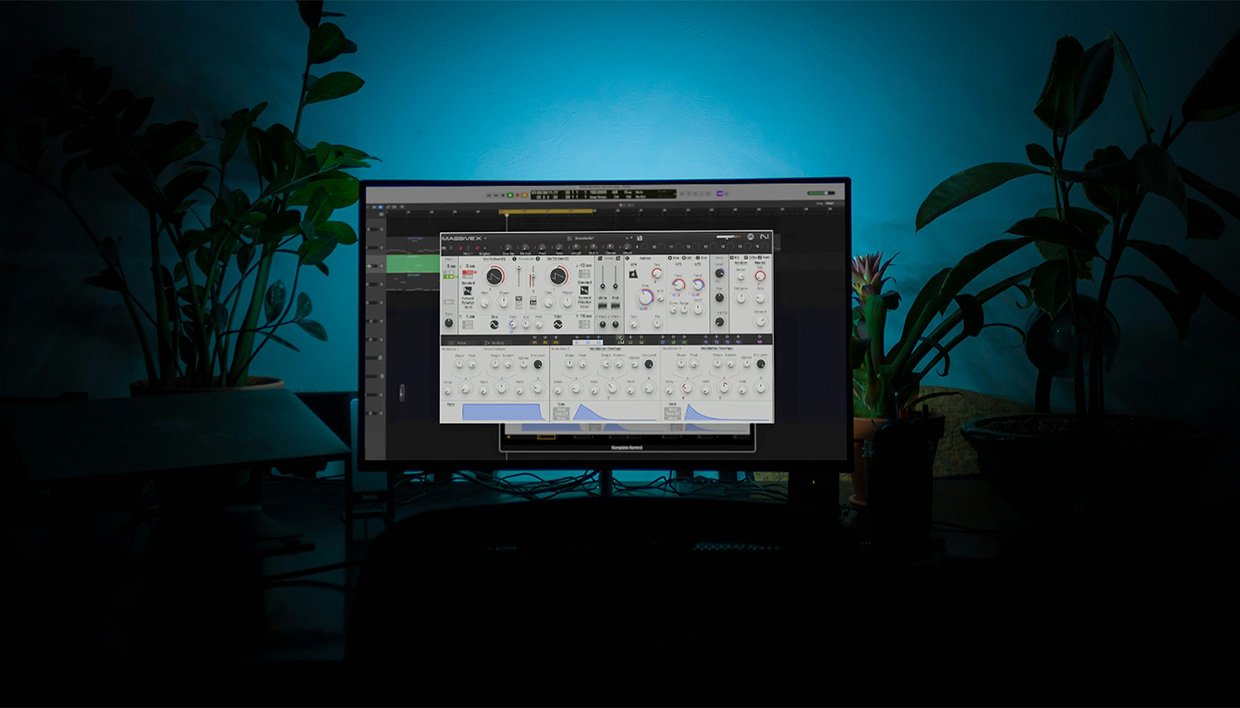
Virtual instruments like Kontakt, Massive X, or anything inside Komplete run inside these DAWs.
Think of the DAW as your virtual studio and the VSTs as the instruments sitting inside it. You create sounds with virtual instruments and use your DAW to host, record, arrange, and mix those sounds. They work together, and you need both to complete a full production workflow.