


EQ, or equalization, is a tool that allows us to control and modify the tonal makeup of audio. This is useful to correct imperfections and to enhance certain tonal characteristics while reducing others.
How does EQ work?
EQ tools work by boosting or cutting the amplitude (i.e, volume) of specific frequencies within a sound.
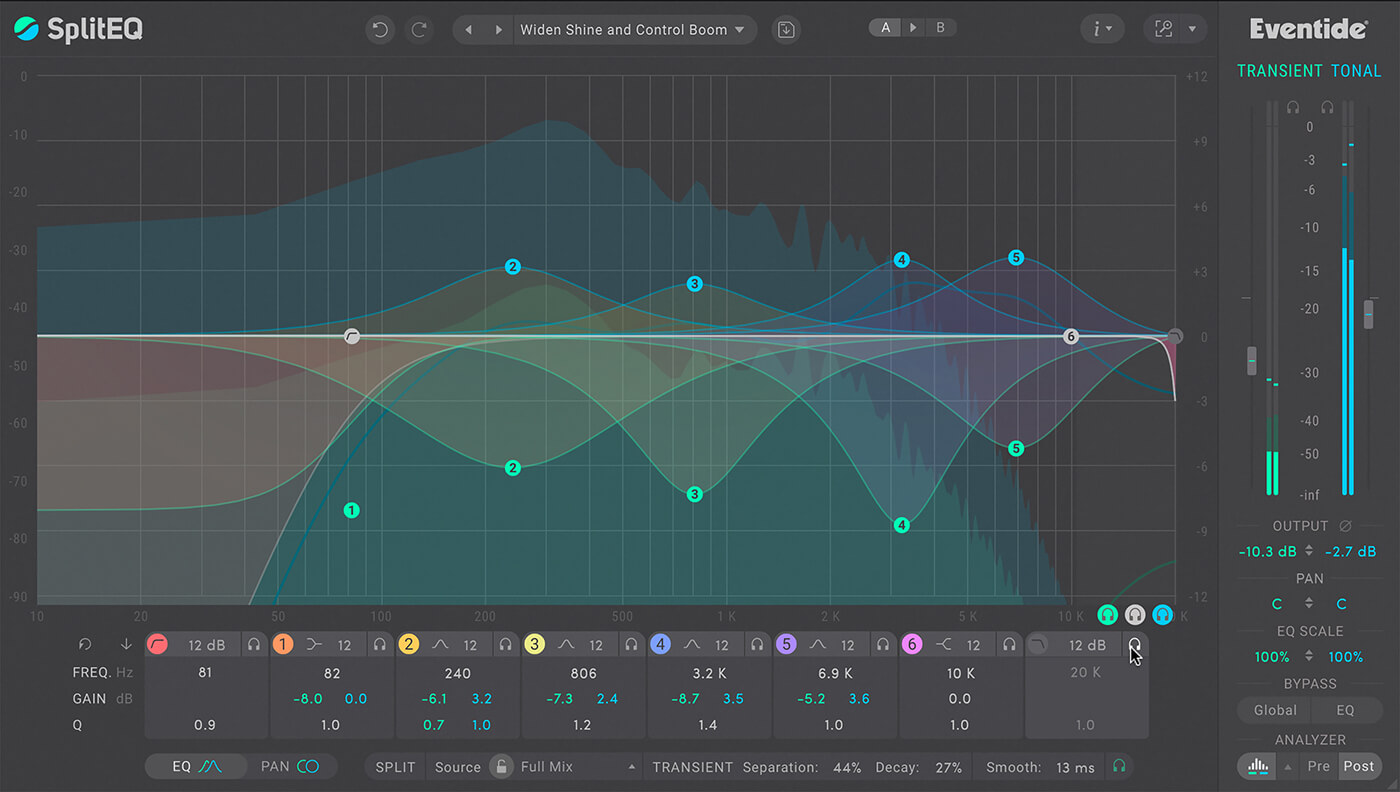
EQ processors typically include multiple ‘bands’. Each band operates around a specific frequency, and different types of band will affect the surrounding frequencies in different ways.
What are the different types of EQ band?

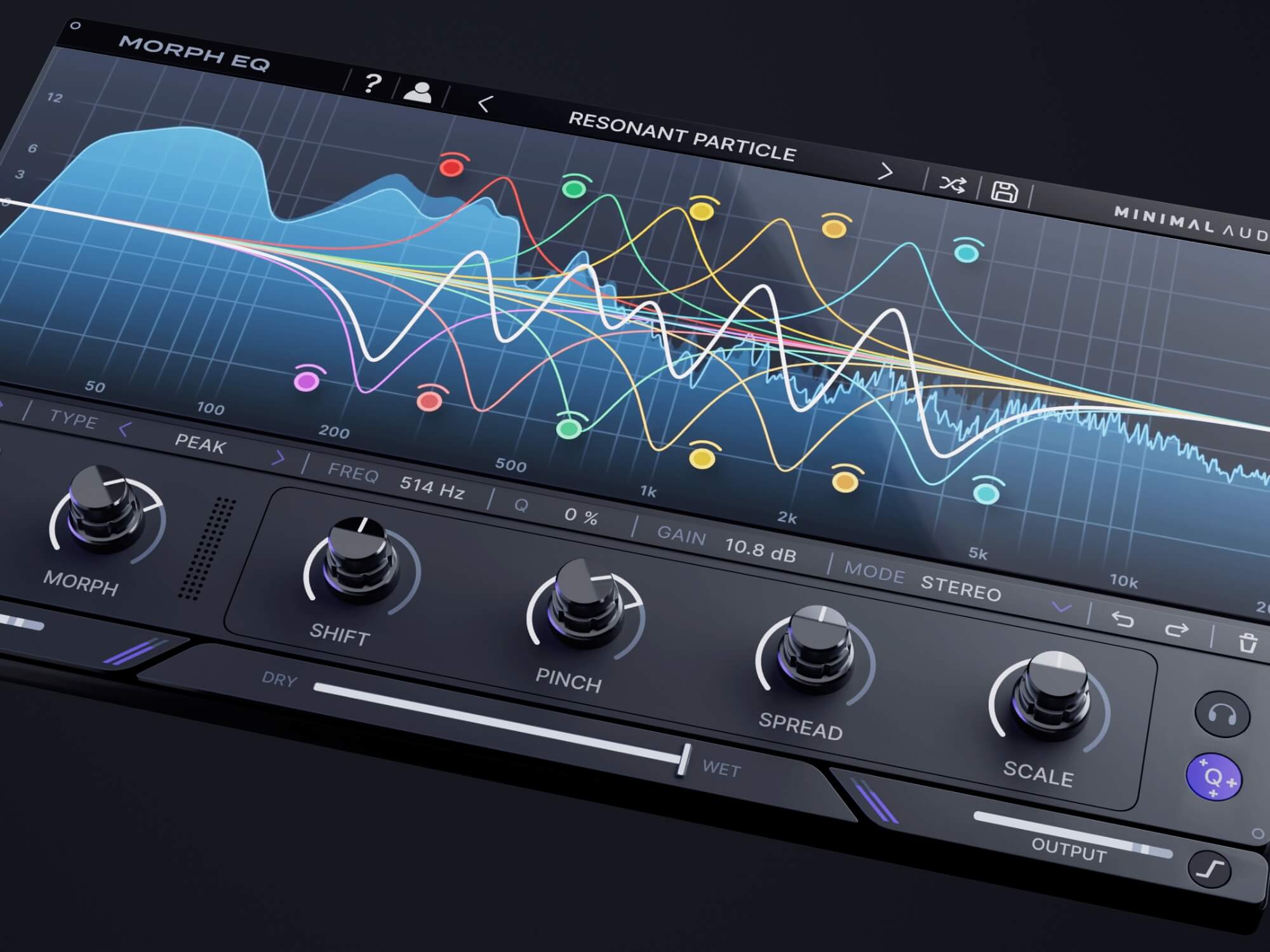
Parametric / Peak: Creates a bell- or trough-like curve centred on the band’s frequency. The width of the curve is controlled by the “Q” or “Bandwidth” setting.
Low Shelving: Progressively cuts or boosts frequencies that lie below the band’s frequency. Typically, some frequencies that lie above the band’s frequency will also be affected
High Shelving: The functional opposite of a low shelving band. Impacts frequencies that lie above the band’s frequency.
Low Cut: A low cut band is the same as a high-pass filter, and so blocks frequencies that fall below the band’s frequency.
High Cut: A high cut band is the same as a low-pass filter, and so blocks frequencies that lie above the band’s frequency. It is the functional opposite of a low cut filter.
What are the different types of EQ processor?
EQ plugins and processors usually combine multiple types of bands into a single unit. These are the three most common varieties:
Studio- or console-style EQ: Typically combines a low-shelving and high-shelving band with two parametric bands. Sometimes also includes low- and high-cut bands.
Pultec-style EQ: Based on vintage outboard EQ processors. Typically handles cutting and boosting as separate bands. Band frequency selection is usually stepped rather than continuous.
Graphic EQ: Combines a number of fixed-frequency, fixed-width peak bands. Band boost/cut is controlled by a fader. The pattern of faders creates a graphical curve, hence “graphic” EQ.

When should I use EQ?
EQ is used extensively at all stages in the recording process.
Input conditioning: Hardware EQs and preamps/recording channels that include EQ are useful for optimising the recorded sound, countering mic colouration, and correcting obvious problems.
Tracking: Use temporary EQ during tracking to create a comfortable working mix. Also use on cue mixes to enhance/reduce prominence of elements the performer needs to hear more/less clearly.
Mixing: Use to sculpt and shape the frequencies of your parts to give each its own spectral space within the mix, and to help bring the parts together into a cohesive whole.
Mastering: Use tightly-focused / high-Q EQ to fix specific frequency issues; use broad low-Q EQ to make gentle changes to the overall tonal balance.
Which EQs should you use?
All DAWs come with at least one type of EQ plugin, and often include multiple varieties. You’re certainly able to garner pro-grade results with the EQs in your DAW, or any free EQs that are out there. However, if you’re looking for an EQ with expanded features, a different interface, or would like an emulation of a classic hardware EQ, you might want to look around the third-party plugin marketplace.
Here are some examples of EQs out there right now:
Get the MusicTech newsletter
Get the latest news, reviews and tutorials to your inbox.