


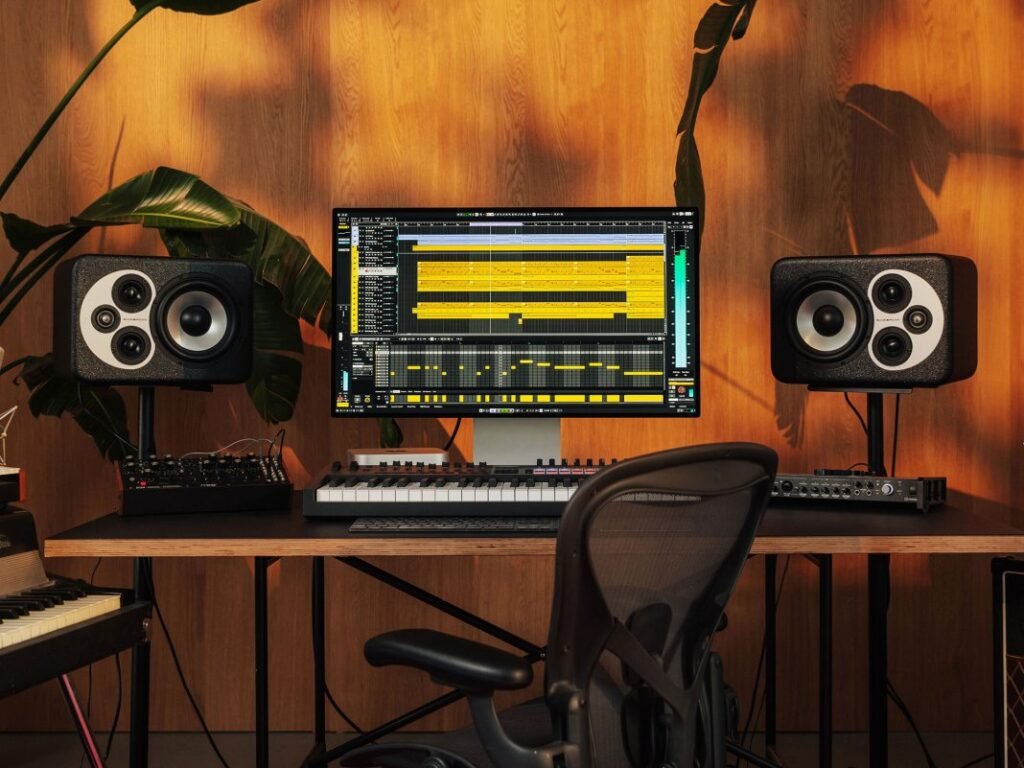
It happens every year. The leaves start dropping, the winds start blowing, the nights start drawing in. All the signs are there that a big day is coming. No, not that one — I’m talking about Cubase receiving its annual upgrade, of course.
I’ve already gone into some depth on what I see as the two biggest additions in Cubase 15 – stem separation and the Omnivocal plugin instrument – but there are many other tweaks and changes. Are these sufficient to justify the upgrade price? Your mileage may vary, but I certainly think so – here’s why.


What do I prefer about Cubase 15 compared to 14?
Pattern Editor
One of the big-ticket additions to Cubase 14 was track-level pattern sequencing courtesy of Pattern Events and the Pattern Editor, introduced to support the also-new Drum Track track type. In my review of that release, I commented on how Pattern Events could also be used with pitched instruments, but that the Pattern Editor was not well-suited to this usage. I also lamented that patterns were stored at the project level and couldn’t be saved and loaded independently, making them awkward to share between projects.
I’ve got used to working around these shortcomings over the last year, but am nonetheless very pleased that Cubase 15 deals with both of them. The Pattern Editor now offers a choice between drum and melodic modes, the latter now geared toward creating basslines, arpeggios, etc., and offering a choice between monophonic and polyphonic patterns. Better still, the set of patterns associated with a Pattern Event can now be stored and recalled as Pattern Banks, making those patterns much easier to transfer between tracks and projects.
Modulators
Another major new feature introduced in Cubase 14, and which has kept me happily occupied since, was Modulators. These have been transformative (no pun intended) and allowed me to do with Cubase things I would previously have turned to Bitwig Studio to achieve. The addition of six new modulators in Cubase 15 has brought with it a wealth of tantalising possibilities, especially the Sample & Hold and Crossfader modulators, which combine with other modulators to create unique and dramatic effects.
Expression maps
Expression Maps have received a much-needed overhaul in Cubase 15, so it’s now much easier to work with maps overall. What I like here most of all is that each articulation defined in a map can now have its own set of MIDI modifiers applied to it. So you can, for example, add attack compensation and length adjustment to a violin’s legato articulation so that it stays in time with pizzicato and staccato articulations.
Sure, when performing and recording, you would make these compensations yourself, but by wrapping the options into Expression Maps, you can experiment with different articulations on the fly as the music develops.
Volume and pan on track heads
Cubase 15 now allows small volume and pan sliders to be shown on track heads. This is something most other DAWs offer, but personally, I’m not so excited by this, preferring the full-sized fader available in the Channel zone. In fact, prior to the Channel zone’s introduction in (I think it was) Cubase 11, I was perfectly happy with the option to show a fader and pan control in the Track Inspector.
Nevertheless, this is proving to be a very popular new feature, so I will bow to the group wisdom on it… Although I suppose from my own point of view it highlights the benefits of Cubase’s customisability, because I can leave them switched off!

What’s missing that I hoped to see, and what could be better?
Drum track management
Drum Tracks, introduced in Cubase 14, allow you to create drum machines directly in the timeline, where they can be triggered and controlled by Pattern Events. Yet despite being fundamentally an instrument, the drum kits themselves are stored and recalled as Track Presets, and I find this confusing and inconvenient. Confusing because… well… why?! And inconvenient because the panel for loading Track Presets, while similar in layout to a standard instrument preset panel, closes automatically as soon as you choose a preset. These are small gripes, sure, but I’ve been haunted by them for a year now, so I had hoped that Steinberg would tidy this up.
Modulators
As I mentioned in my Cubase 14 review, one thing lacking from the Modulators system is the ability to create global modulators that can control global-level parameters and plugins, and can reach into multiple tracks simultaneously. I had hoped maybe Cubase 15 would have gained this ability… oh well, perhaps it’ll come in Cubase 16.
I was also hoping that, by now, Steinberg would have provided some documentation to support the ModScripter modulator. This generates its modulated output from scripts, and some basic notes are included in the default script that loads with a new instance of the modulator, but the distinct lack of any proper documentation makes it difficult to learn how to work with the scripting API. Publishing such documentation needn’t wait for a Cubase update, but the v15 release would have been a good opportunity to address this.
Controller mapping
Steinberg introduced a new controller mapping system in Cubase 12 that was a massive improvement on what had come before. Nevertheless, I find it can still be awkward and frustrating to configure, and the Cubase documentation doesn’t shed much light either (it’s proficient at covering the ‘how?’ but rarely bothers with the ‘why?’ and ‘when?). Controller mapping is an unavoidably complex issue in the modern studio, for sure, and Cubase 12’s updates were a big step in the right direction, but I had hoped that, by now, Steinberg would have turned its considerable user experience skills towards making this something that’s easier to manage and navigate.

What are the upgrade options, and are they worth it?
Cubase is still one of the most expensive DAWs when buying a full license, but its upgrade pricing is amongst the best, and hasn’t changed for quite some time despite the rampant inflation plaguing most of us.
The £63 to update from Cubase 14 Pro (and less to upgrade to new Elements or Artist editions) is extremely reasonable, as there’s easily enough here to justify such a minimal outlay. Upgrading from older versions and/or lesser editions adds to the price, but if you do the math, you can see that Steinberg keeps these prices fairly balanced.
Nothing’s ever perfect, but the new features in Cubase 15 are significant and bring a lot to the table for a minimal upgrade cost.
Get the MusicTech newsletter
Get the latest news, reviews and tutorials to your inbox.